# BabaCAD Robotics Web v3.0: Multiple Robots and a Plugin System, Right in Your Browser
If you’ve ever wanted to prove out a robotic cell before a single bolt is ordered, or test a program without tying up a production robot, BabaCAD Robotics Web (BRW) v3.0 is worth ten minutes of your time. It’s free, it runs in a browser tab, and with this release it grows from a single-robot simulator into a platform for multi-robot cells and custom automation.
Two headline features make that jump: **multiple robot simulation** and the **BRW plugin system**.
## Multiple robots in one cell
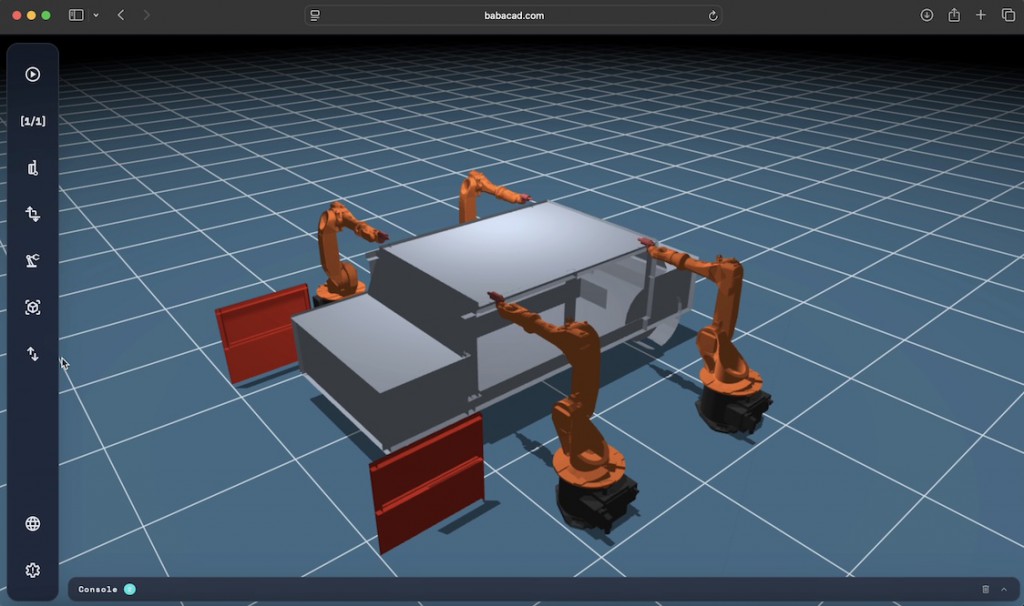
Most real installations aren’t one robot working alone. A welding cell has a handling robot feeding a welder. A packaging line has two or three arms picking in sequence. BRW v3.0 lets you build exactly that.
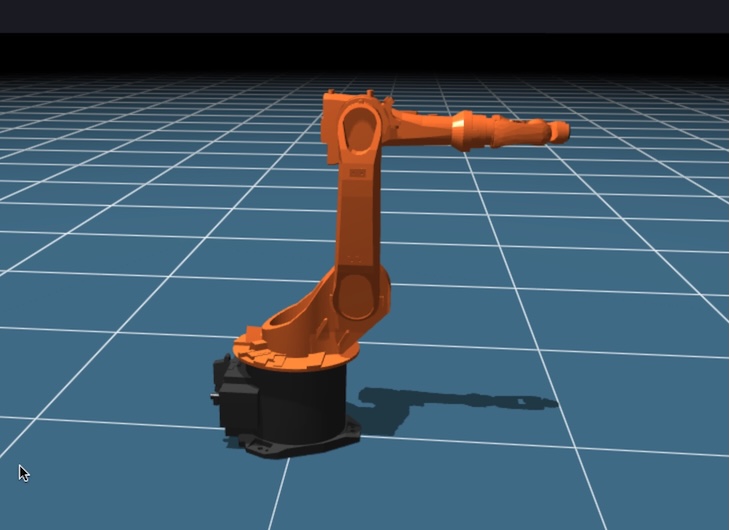
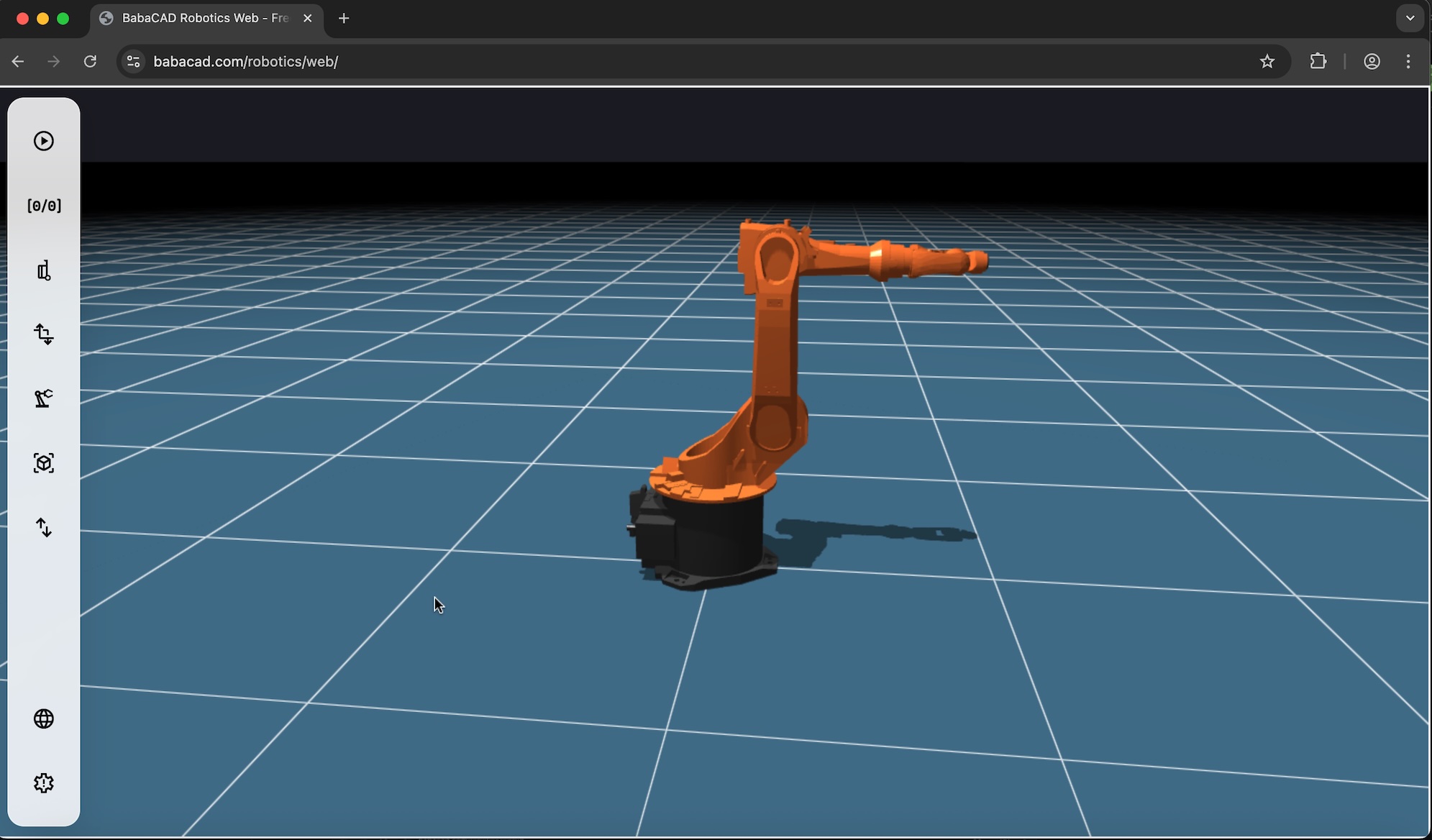
– **Insert as many robots as your cell needs.** Each robot is a separate entity with its own base position, tool, joint state and program. The default library robot is a KUKA KR6 with a welding tool already attached, so you can have a working cell on screen within seconds.
– **Independent programming, shared workspace.** Every robot gets its own offline program, but they all live in the same 3D scene, so you can see at once whether two arms will fight over the same space.
– **Bring in your real fixtures.** Insert .stl models of tables, conveyors, parts and guarding directly into the scene, position them, and program against real geometry instead of an empty floor.
– **Pick and place out of the box.** Robots can grab inserted objects, carry them and release them, which makes it easy to simulate handling, palletizing and machine-tending tasks across several robots.
Everything is saved in the open .brw project format (plain JSON), so a cell you build today is easy to version, share or generate from other tools.
## The plugin system: BRW becomes yours
This is the feature we expect robotics engineers to get most excited about. BRW v3.0 exposes a **JavaScript plugin API**. A plugin is a single .js file that BRW loads and runs, and it can do two broad kinds of things:
**1. Add custom commands.** Need a command that generates a zig-zag welding pattern, converts a point cloud into a path, or checks a program against your company’s safety rules? Write it as a plugin. It appears in BRW like any built-in command, and it can read and modify robots, objects and programs in the scene.
**2. Connect to and control real robots.** Plugins can talk to hardware. That means the same simulation you built offline can drive a physical robot: stream joint targets, mirror the live robot’s state back into the 3D view, or use BRW as a lightweight teach-and-monitor interface. Since it’s JavaScript, connecting through WebSockets, HTTP or a local bridge to your controller of choice is a straightforward job rather than a vendor negotiation.
Because it’s all JavaScript, there is nothing to compile and no SDK to install. Open a text editor, write against the API, load the file, and your extension is live.
## Why professionals should care
– **Zero install, zero license.** Open a URL and start working. Share a cell with a colleague or customer by sending a .brw file or a link.
– **Multi-vendor by design.** The plugin layer sits between BRW and your controllers, so you’re not locked into one manufacturer’s simulator.
– **Rapid proposals and feasibility studies.** Build the cell, add real .stl parts, run the cycle with several robots and show it to the customer, all before quoting.
– **Education and training.** Students and new hires can learn multi-robot programming without waiting for time on a real cell.
– **A platform, not just a tool.** If BRW doesn’t do something you need, the plugin API means the answer is usually “write it”, not “wait for it”.
## Getting started
1. Open BabaCAD Robotics Web in your browser.
2. Insert a robot from the library (start with the KUKA KR6 with welding tool) and add a second one.
3. Drop in an .stl part and create a pick-and-place program.
4. Look at the plugin examples, copy one, and change it. That’s the fastest way to learn the API.
BRW v3.0 is free to use. If you build a plugin, a cell or a workflow you’re proud of, we’d love to see it, and we’d love to hear what you want next.
Start simulator: https://www.babacad.com/robotics/web
Project details: babacad.com/robotics